
Battery OverviewUpdated 4 hours ago
The TM-B has a removable lithium-ion battery that can also act as a portable power pack. It comes in either Standard or Large size: see the TM-B Specifications article for energy and range figures for each.
Removing the battery
To remove the battery, tap the eject icon on the Portal's Walk screen, then select Battery from the Eject menu.
Portal Walk screen with eject icon, and the Eject menu showing Top Frame and Battery options
Lift the battery's center handle from the bottom and rotate it counter-clockwise, then pull the battery straight out.
WARNING: The battery is over 10 lbs (4 kg). Be careful when inserting and removing it.
CAUTION: Only remove the battery after the Portal displays that it's safe to do so. Forcing the battery handle to rotate before the e-bike releases its lock can damage or jam the battery lock.
Replacing the battery
Hold the battery with the handle straight up and down and the USB-C ports on top.
Push it completely into the dock before turning the handle clockwise to lock it.
The serial number of the battery is on the battery's rear face. The battery compartment on the e-bike itself has the serial number of the TM-B, plus a two-sided bike tool (Allen key) for fit adjustments. The compartment for the bike tool is magnetized to secure it.
WARNING: This product contains a button cell or coin battery (separate from the main removable battery). It is not user-serviceable. Death or serious injury can occur if ingested. Always keep new and used batteries out of the reach of children. Seek immediate medical attention if you suspect a battery has been swallowed or inserted into any part of the body.
For safe charging practices, see the Charging Your TM-B article.
For long-term storage guidance, see the Battery Storage article.
Battery Range
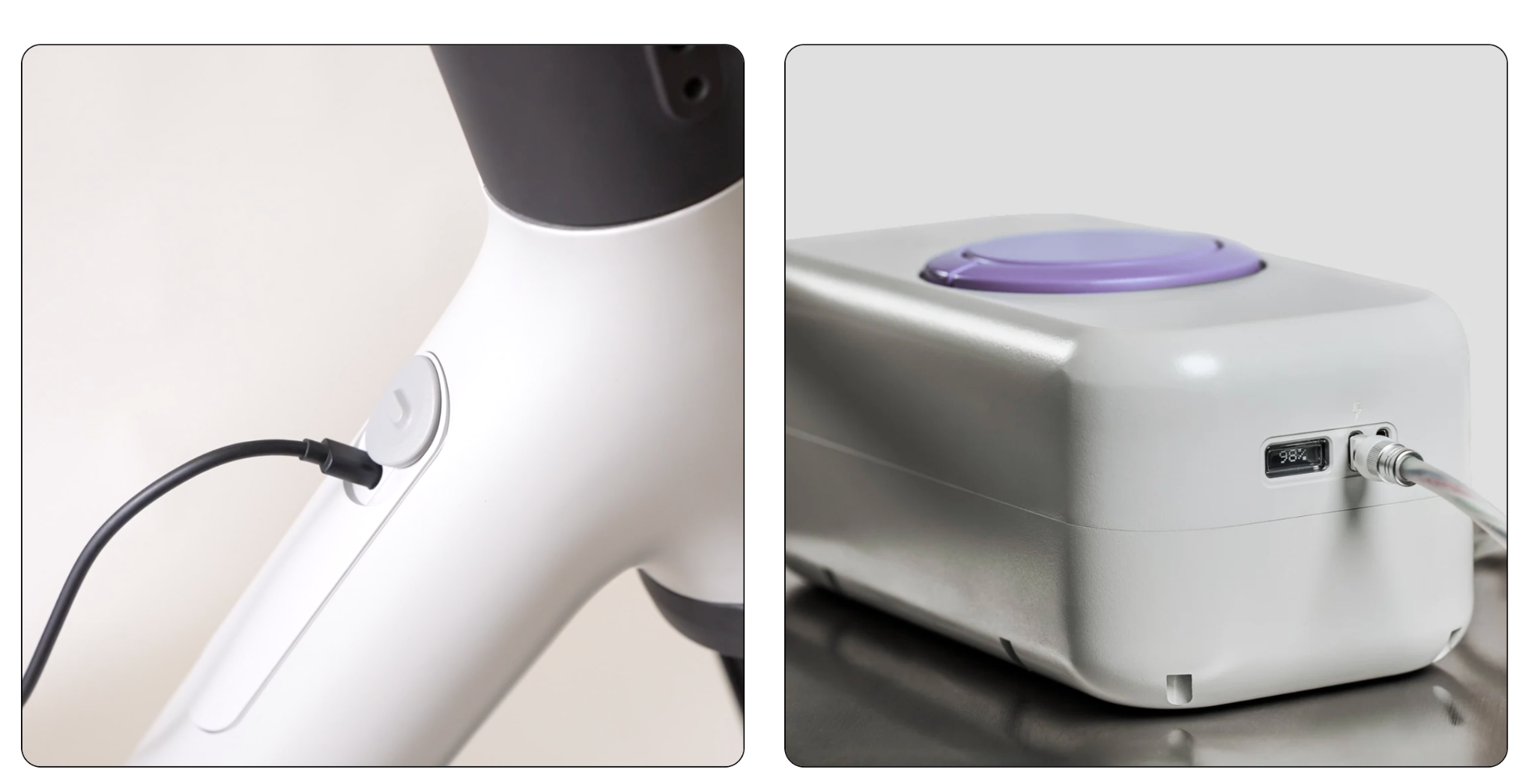
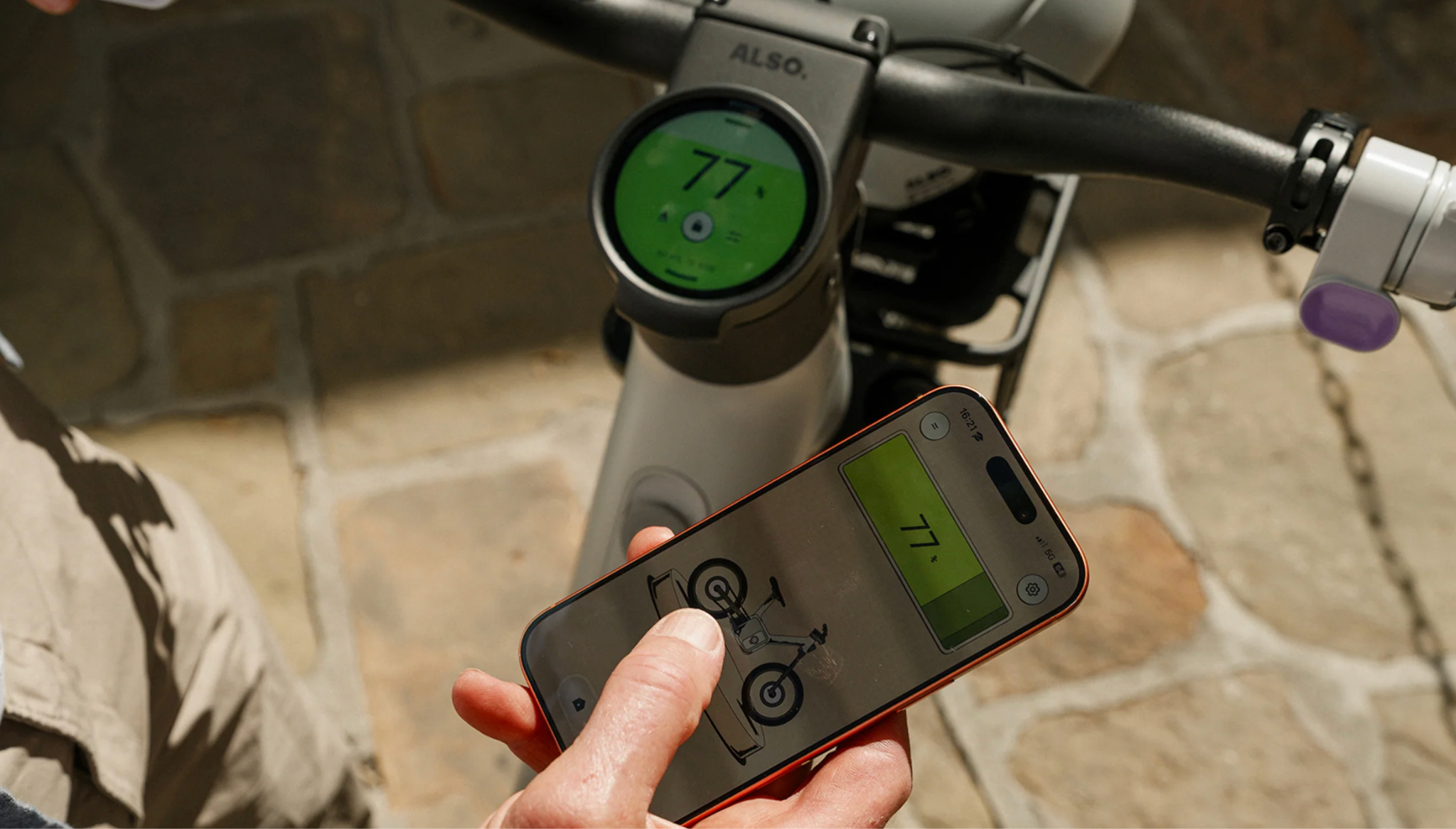
The state of charge left on your battery is visible on the display on the top of your battery itself. It's also visible on most Portal screens. Tapping the state of charge icon on any screen displays the amount of range remaining in miles.
What affects your range
Several factors can affect battery range for any e-bike. Be aware of these when planning your rides:
The combined weight: of all riders, accessories, and luggage
The amount of assistance you use: whether pedaling or using throttle
The difficulty of the terrain: hilly or flat, trail or road
Your tires: low-friction road tires or grippy all-terrain tires
See the TM-B Specifications article for the maximum rated range for your battery size (Standard or Large).
For guidance on keeping your battery healthy between rides, see the Battery Storage article.