
Lock and UnlockUpdated 3 hours ago
Lock and Unlock
Your TM-B has two ways to unlock:
Swipe to unlock on the Portal’s wake-up screen with your paired, connected phone within Bluetooth range. Your phone’s proximity unlocks the bike in one swipe when the registered user’s phone is nearby.
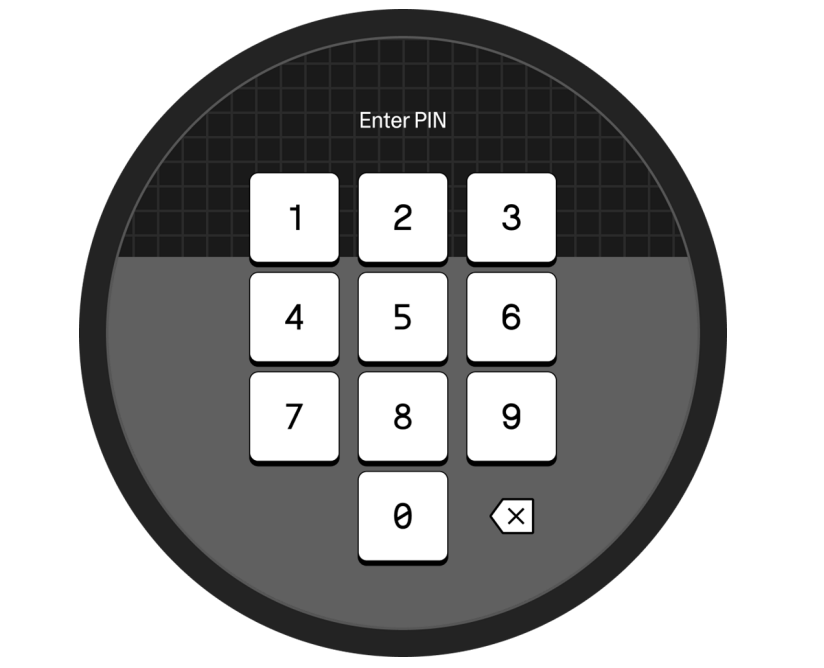
PIN entry: Swipe the unlock bar, then enter your PIN on the Portal display.
When locked, the TM-B secures the battery, top frame, and rear wheel.
The TM-B does not use a physical key. Locking and unlocking are handled entirely through the Portal display and the ALSO mobile app.
You can configure all security settings, including setting a PIN, in your ALSO mobile app.
These settings require the e-bike to be unlocked, in Walk, and within Bluetooth range to adjust:
Lock/unlock via the mobile app
Resetting a PIN
Factory resetting the TM-B
Pairing to a phone
CAUTION: Security features do not guarantee that the bicycle, battery, or top frame cannot be stolen.