
Set a Charge LimitUpdated 4 hours ago
Set a Charge Limit
You can set an automatic limit on how far your TM-B's battery charges. This is useful if you live on a steep hill, or don’t always need the full range of your battery.
To set a charge limit:
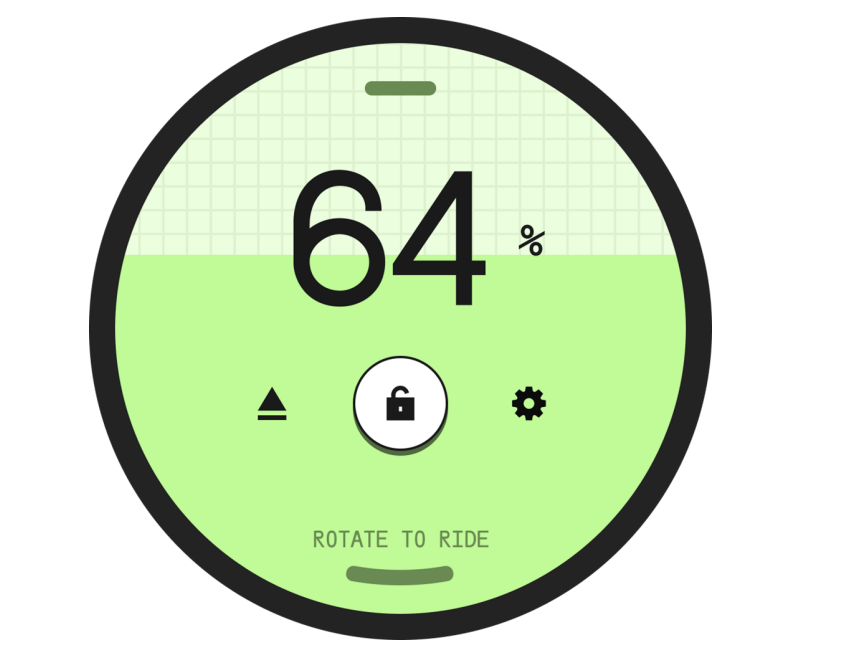
On the Portal's Walk screen, tap the Settings gear icon on the right.
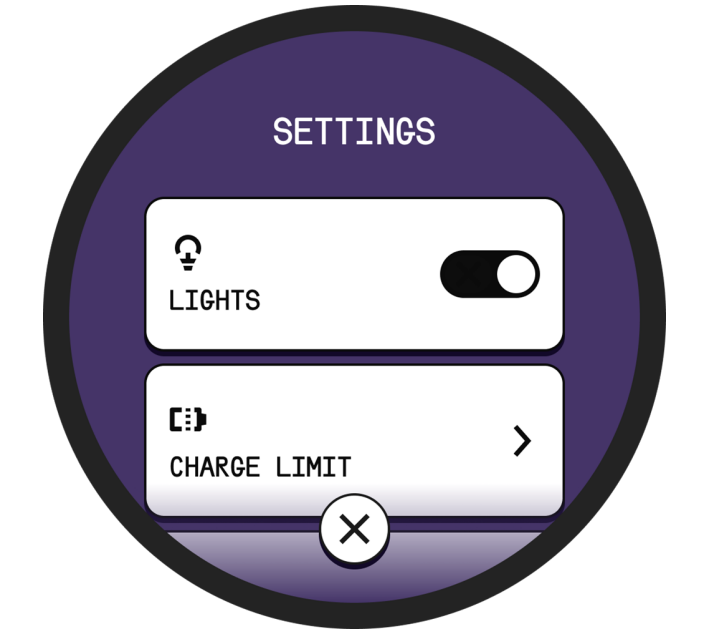
Scroll down and select Charge Limit.
Tap the - and + buttons to raise or lower the charge limit. The minimum is 50% and the maximum is 100%.
For general charging safety and cold-weather charging behavior, see the Charging Your TM-B article.