
Ride Modes and Transmission StylesUpdated 35 minutes ago
The best part of DreamRide is how infinitely customizable it is. Ride it just how you like it, or switch it up any time.
How do Ride Modes work on the TM-B?
Ride Modes allow you to instantly customize your TM-B's performance attributes including range, acceleration, and top speed to match your riding environment.
By selecting a specific character profile, you adjust the bike's software to deliver a distinct riding experience tailored to your riding style or the road ahead.
Understanding Ride Mode vs Transmission Style
Ride Mode: Characteristics of the ride, including torque and acceleration profiles, for both assisted pedaling and using the throttle.
Transmission Styles: Automatic vs Manual. TM-B has the ability to mimic gears on a traditional bicycle, by providing realistic low and high gears.
Ride Modes
All-Purpose
Balanced energy output with brisk acceleration. This is the default mode designed for most on-road riding situations.

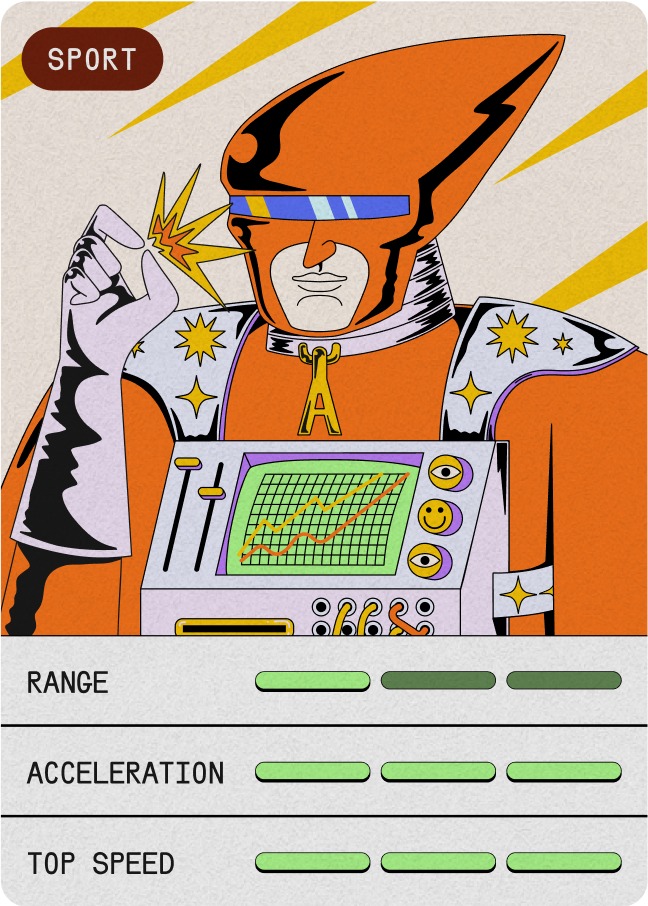
Sport
Unlocks peak power, superhuman speed, and thrilling performance. Designed for when you want to rule the road.

Trail
Optimized for unpaved terrain. Delivers predictable acceleration with high torque for confident hill-climbing. Trail mode is a Ride Mode that uses a Manual Transmission Style.
Trail mode changes acceleration, torque mapping, traction control, and limits the top speed to 20 mph to create the best trail riding experience.
Trail mode is exclusive to the All-Terrain Ride Package.
Transmission Styles
The ALSO TM-B utilizes a software-defined drivetrain that allows riders to choose between smooth Automatic accelleration, or a 14-speed Manual shifting experience.
Automatic: The TM-B Automatic Mode functions similarly to a Continuously Variable Transmission (CVT) in a car or a Continuously Variable Planetary (CVP) on a bicycle. Simply select an Assist Level and ride, the TM-B will adapt smoothly to your input.
Manual: For riders who prefer the tactile engagement of a traditional multi-speed bike, Manual Mode uses software to simulate mechanical gears. There are 14 gear ratio options at your disposal. Select and shift through your gears manually using the shifter located on the right-hand control module.
Assist Levels
Control how much your pedaling input is multiplied with the shifter on the right hand control module. Assist level 1 is similar to riding a bicycle - Assist level 10 multiplies that input by 10 and gives you the maximum amount of immediate power delivery.